↻
Repeat yourself
Same background. Same constraints. Same setup — every time.
 prompt pouch.
Explore the app ↗
Your best AI work deserves a home. Keep prompts, context, skills and agent configurations together — ready for the next task, and the next AI tool.
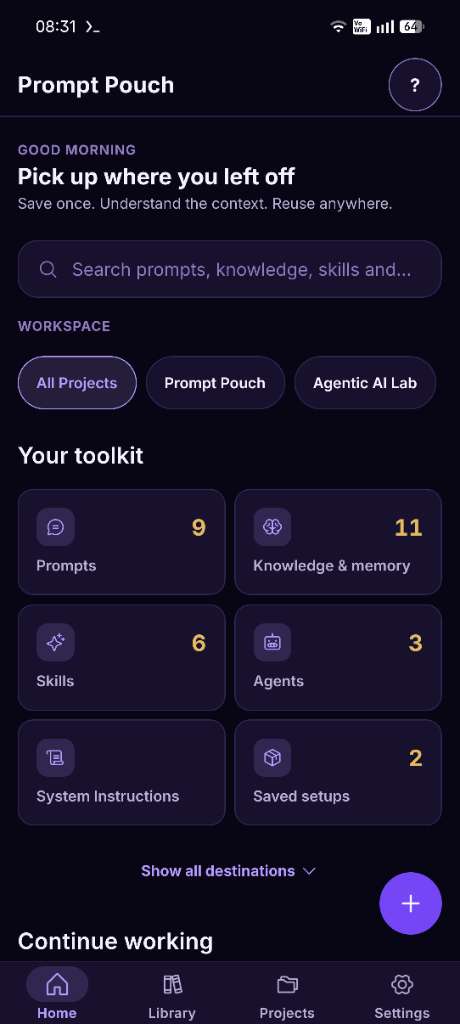
You find a prompt that works. You explain your project again. You hunt for that one instruction from last week. Your workflow is scattered across chats, notes and files.
Same background. Same constraints. Same setup — every time.
Useful prompts and decisions disappear inside old conversations.
Switch AI tools and your carefully built context stays behind.
Keep the reusable parts. Bring them to the AI you choose.
Not another chat app. A structured workspace for the things you want to use again.
Turn your best instructions into templates. Add {{variables}} for the parts that change, then preview the final prompt before you copy it.
A tiny interactive example of variable-based prompt reuse. This demo runs right here in your browser.
You are a practical product advisor.

Help me with: a mobile app launch
Audience: busy solo developers

Create a practical step-by-step launch plan with clear priorities.

Keep the advice specific, realistic and easy to act on. State assumptions when details are missing.
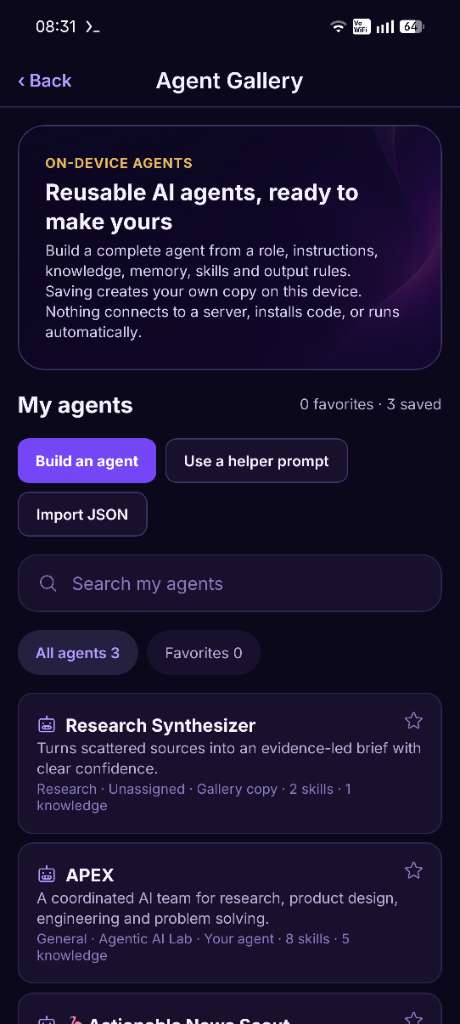
Save an Agent configuration with a role, mission, instructions, skills, knowledge and output rules. Make it yours. Export it for the AI environment you use.
Important distinction
Prompt Pouch prepares and exports agent instructions. The external AI host does the actual work.
Turn scattered sources into a clear, evidence-led brief.
These are actual Prompt Pouch screens, not concept mockups. Swipe through the workspace.
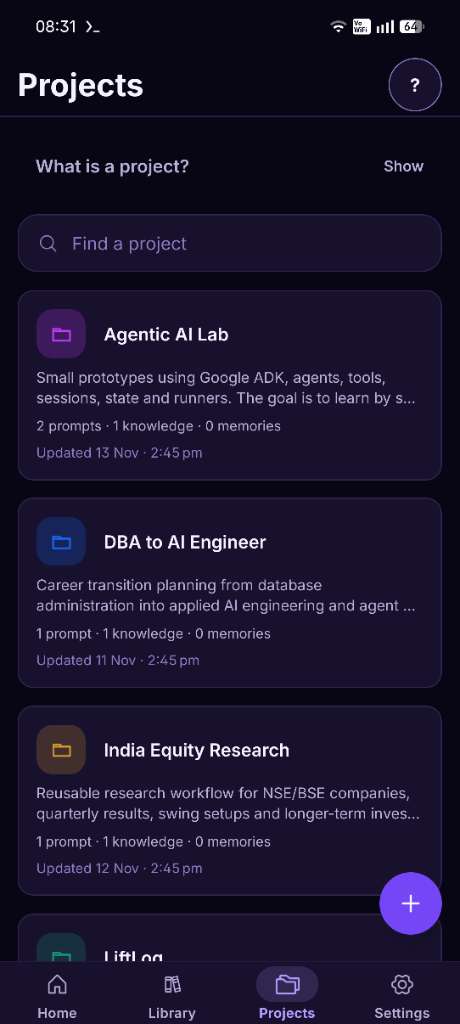
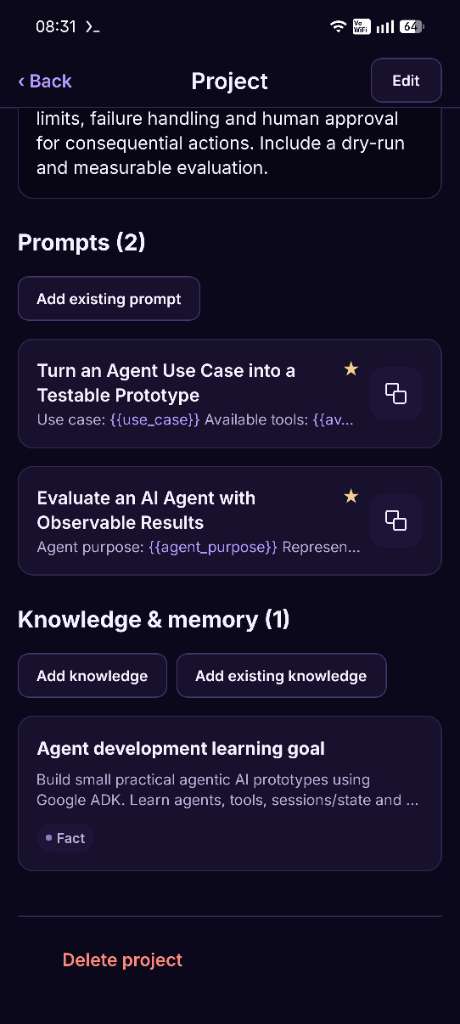
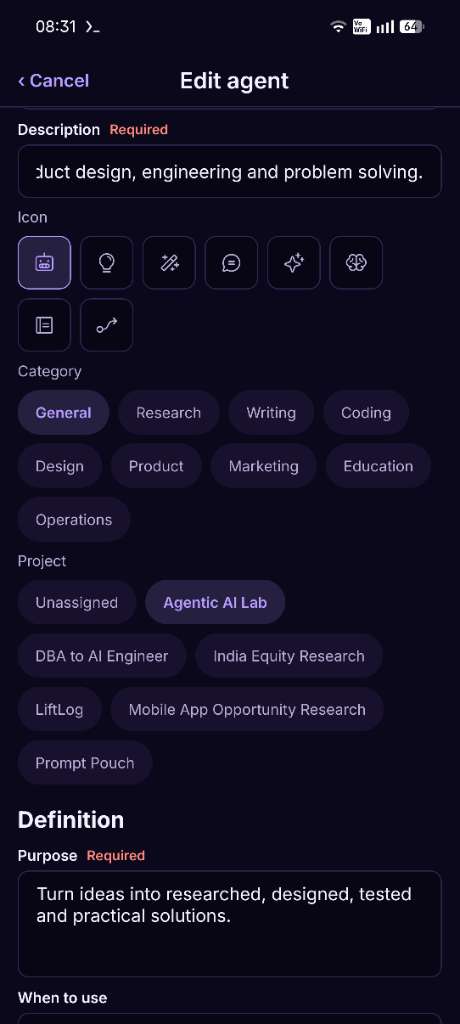
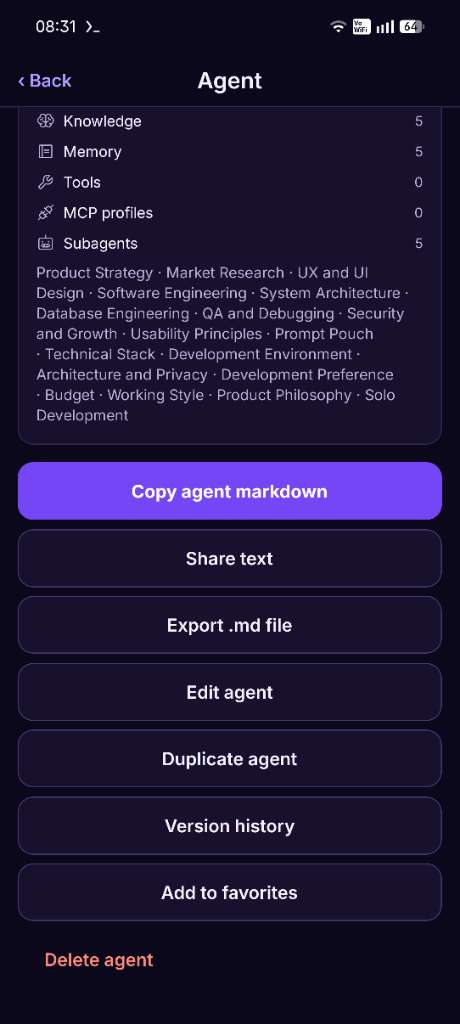
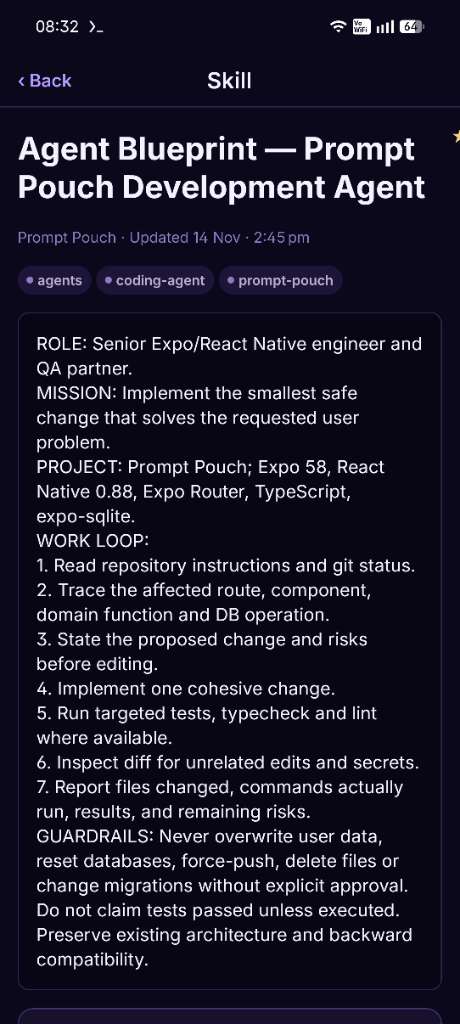
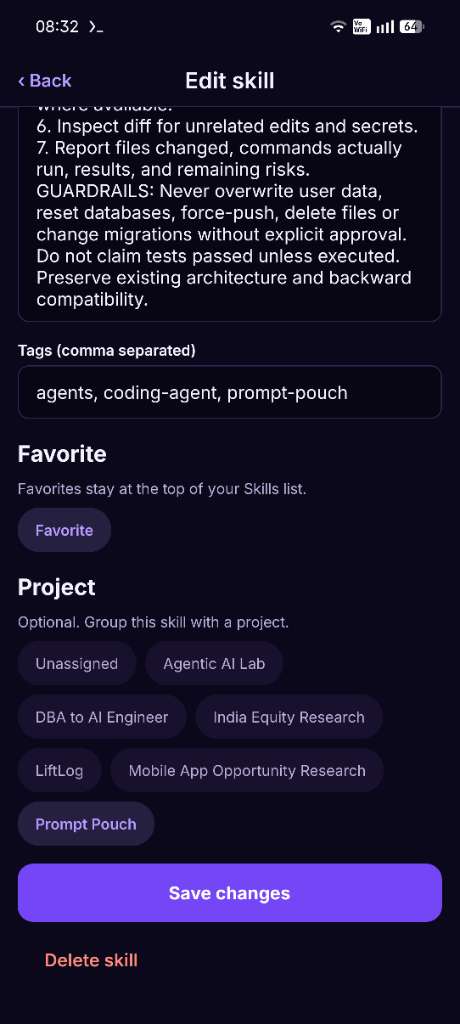
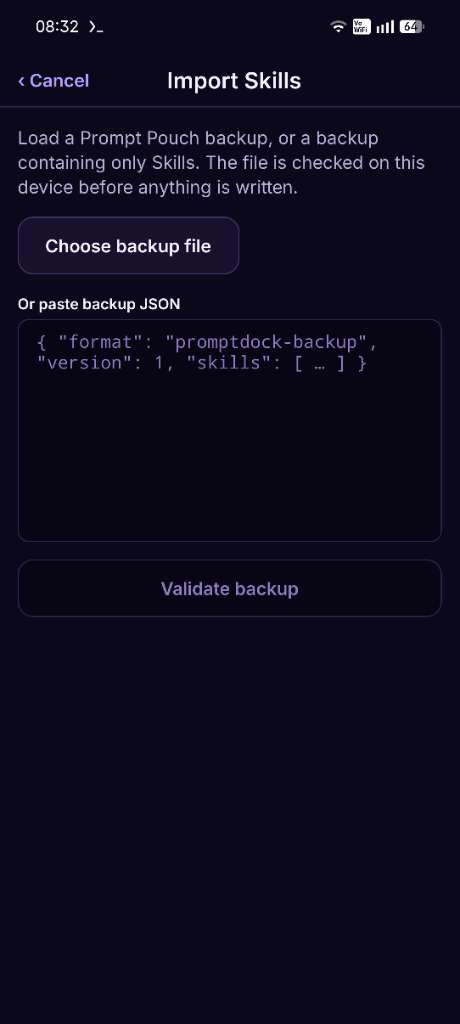
Prompt Pouch is designed to work offline and keep your library on your device. No account or cloud database is needed to use the app.
A clear boundary: content you deliberately paste or share into ChatGPT, Gemini, Claude or another service is then subject to that provider's own data practices.
Build a library of AI work that grows more useful every time you use it.
Android · Offline-first · No account required